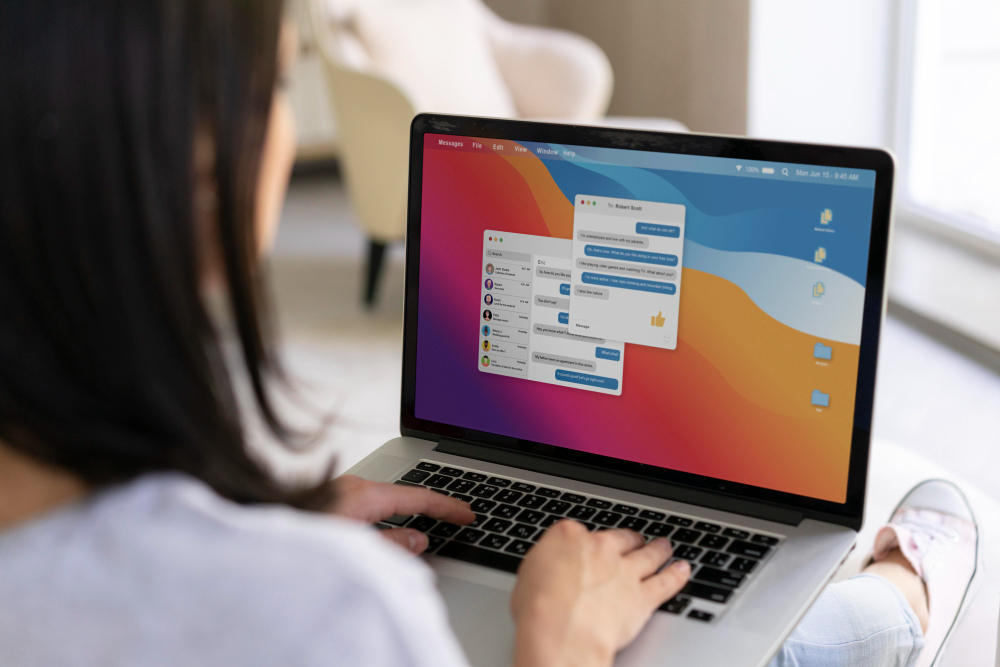
The best social media tools for scheduling and publishing are the built-in schedulers from each platform (Meta Business Suite, LinkedIn, TikTok, YouTube Studio, and Instagram’s in-app scheduler) plus third-party platforms like Buffer, Hootsuite, Sprout Social, Later, and Loomly when you need one calendar for multiple channels.
For most Orlando businesses, we start with native tools because they are free, follow platform rules closely, and usually support the newest post types first. Then we add a third-party scheduler when you manage multiple brands, multiple locations, approvals, or a larger content pipeline. If you want help setting up a posting system your team can actually keep up with, our social media marketing services cover planning, publishing, and community workflows end to end.
| Tool type | Examples | Best fit | Notes to know |
|---|---|---|---|
| Native schedulers | Meta Business Suite, TikTok Studio, LinkedIn scheduler, YouTube Studio, Instagram scheduler | Solo owners, small teams, one or two platforms | Lowest friction for publishing, but reporting and collaboration can feel limited if you have multiple stakeholders. |
| Multi-platform schedulers | Buffer, Hootsuite, Sprout Social, Later, Loomly, SocialPilot, Publer | Multi-channel calendars, approvals, client or franchise workflows | Platform permissions and API limits can restrict certain formats or editing after scheduling, so you still want native access as a backup. |
| Design-first publishing | Later, Planoly (plus a design tool like Canva) | Visual brands (real estate, med spas, restaurants) | Great for grid planning and asset organization; double-check support for Reels, Stories, and first-comment needs. |
| Enterprise governance | Sprout Social, Hootsuite | Compliance-heavy teams and larger orgs | Stronger permission controls, approvals, and audit trails, which matters for healthcare and legal marketing. |
What we look for when picking social media scheduling tools for a local business:
- Platforms you post on: Facebook and Instagram usually pair well with Meta Business Suite, while YouTube and TikTok often publish cleanly through their own studios.
- Team workflow: Do you need draft, review, and approval, or does one person post everything?
- Asset handling: Caption storage, hashtag sets, media library, and easy repurposing for Reels, Shorts, and Stories.
- Location complexity: Multiple offices often need separate calendars, permissions, and brand guardrails.
- Tracking: Basic post performance is fine for many teams, but if leads matter, you may want UTM tagging and reporting.
- Risk controls: Two-factor login, role-based access, and an approval step for regulated industries.
If you are building your system from scratch, start with a simple planning rhythm first, then choose the tool. A good content calendar reduces day-of scrambling, and a clear posting cadence (see how often to post) keeps your brand consistent without turning it into a daily chore.
Practical setup tips we use with Orlando teams: schedule evergreen posts two to four weeks out in Eastern Time, leave space for timely updates (events, weather, community wins), and keep one person responsible for final publishing. For dentists, doctors, attorneys, and other regulated businesses, we also separate “approved” caption templates from “editable” drafts so nothing sensitive slips in. If your content depends on short-form video, pairing scheduling with a steady video pipeline is the difference between a full calendar and an empty one, which is why many teams combine scheduling with UGC content creation for consistent Reels and Shorts.